Spec Map Starter: March Metallic
Our latest spec map inspiration uses a metallic effect to make deep colors shine.

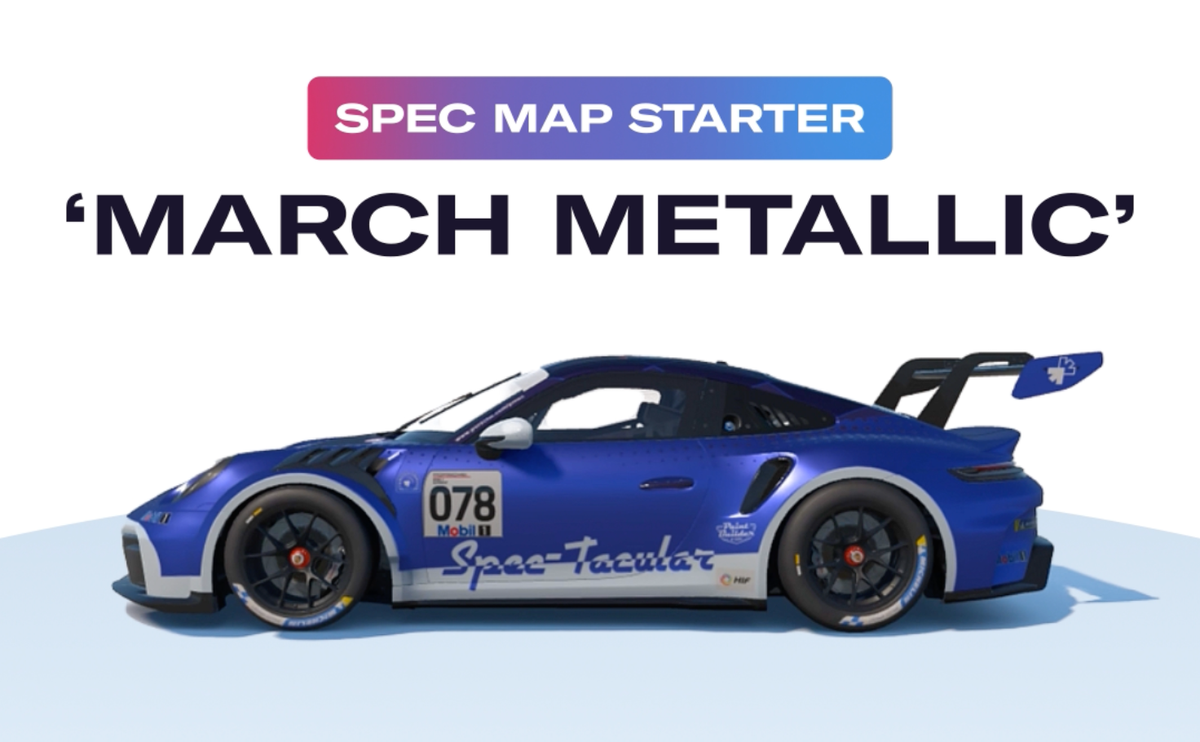
Our spec map test car, the Spec Tacular, is back to show off another example of a special finish effect you can achieve on your custom iRacing paints using spec maps.
This time, we’ve got March Metallic, a relatively standard-issue metallic finish that will liven up the colors on your paints.
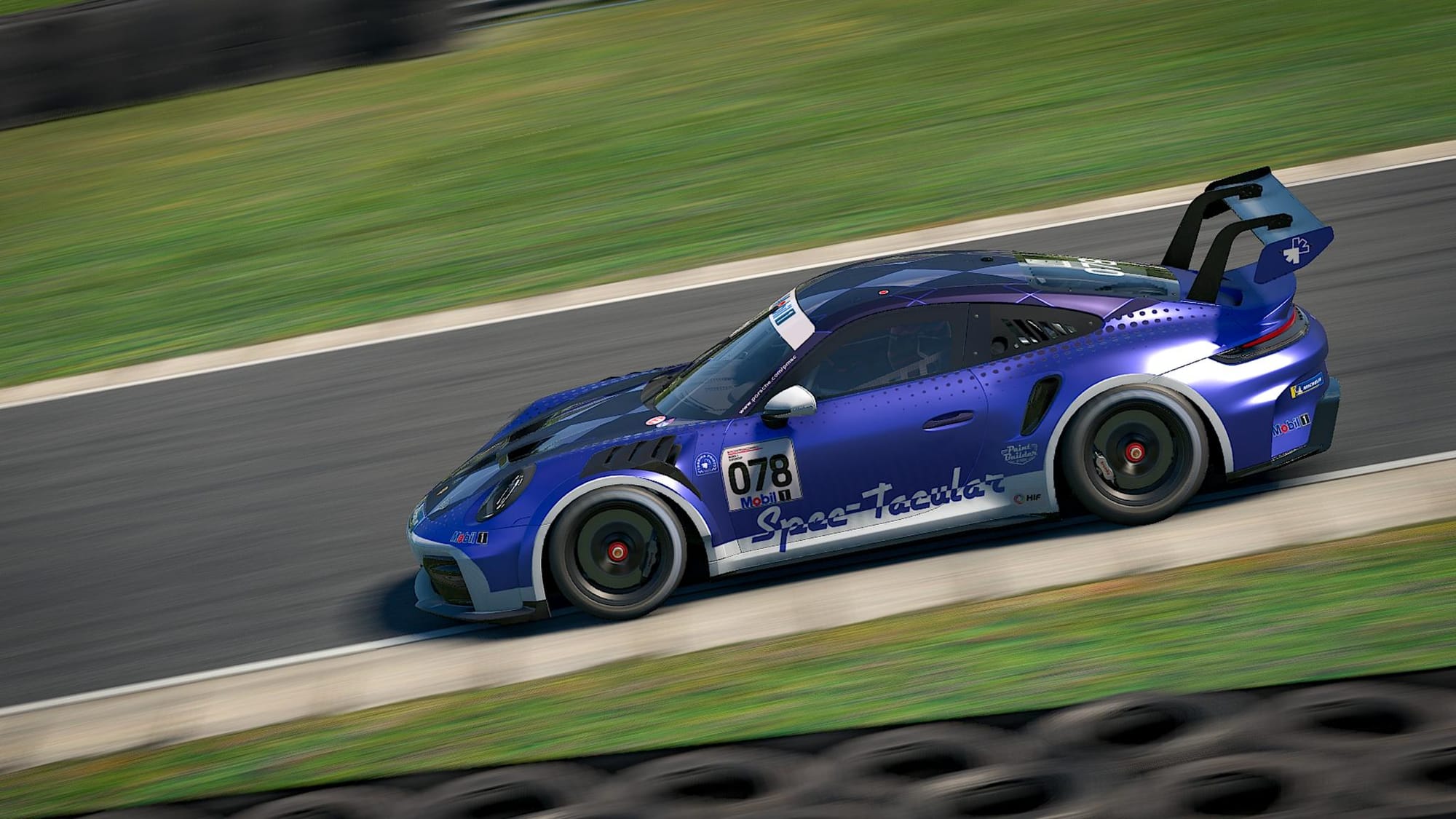
Here’s how you can use this finish across areas of your custom iRacing paints.
Applying this finish in Paint Builder
In Paint Builder, after you’ve enabled Finish options, select the desired layer, and in the properties panel under Finish, choose Custom and enter these values:
Metallic: 255
Roughness: 85
Clearcoat: 0
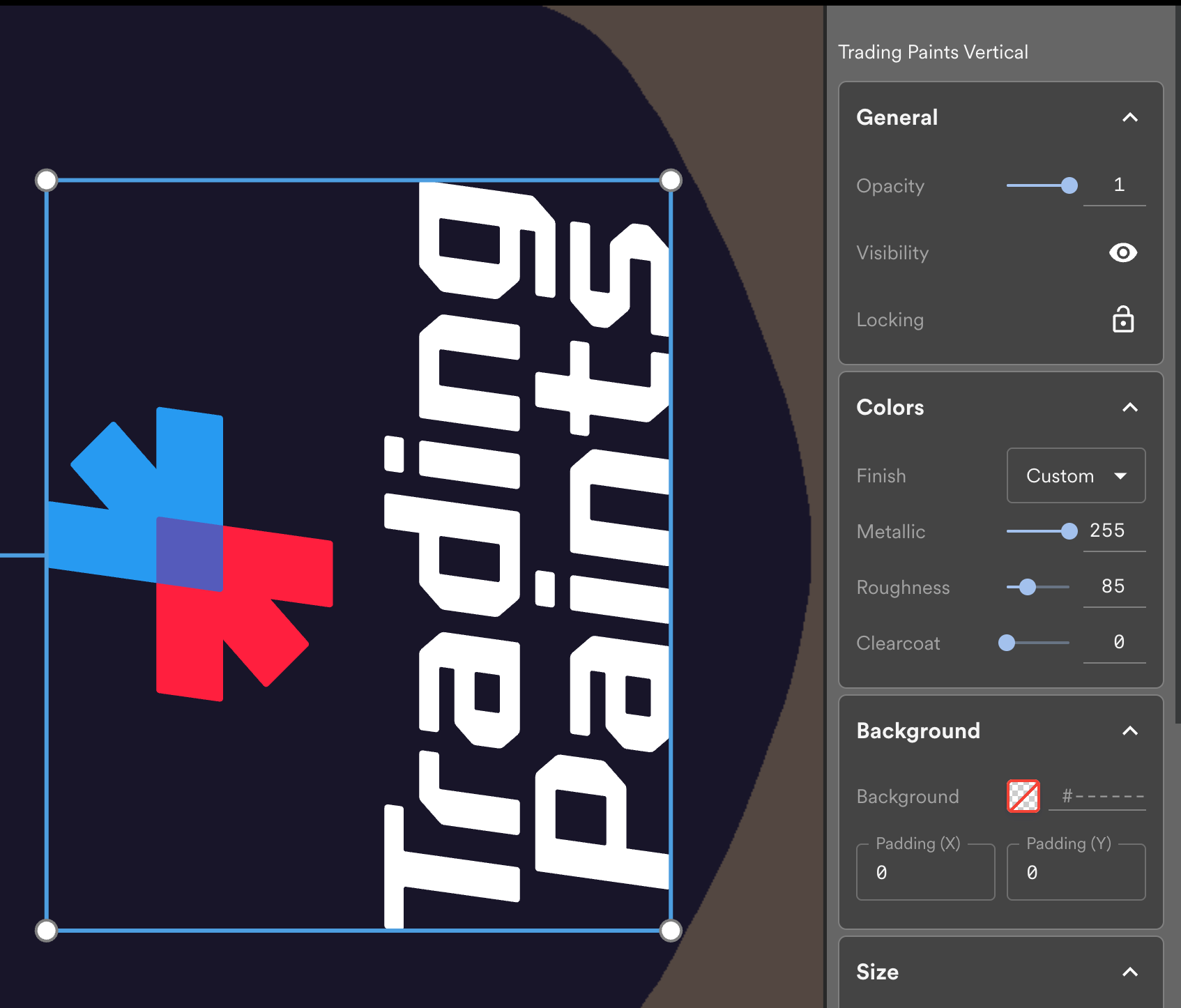
When you’re done, you’ll need to obtain a spec map MIP file with Sim Preview so you can fully apply it to your project when you race it on Trading Paints. (Don’t worry, our guide walks you through how it’s done!)
Applying this finish in other apps
If you prefer to use external software like Photoshop or GIMP, you can create a spec map using the following values on your iRacing painting template to achieve this finish.
Color: #FF5500 (255, 85, 0 RGB)
Red Channel (Metallic): #FFFFFF / 100% / 255, 255, 255 RGB
Green Channel (Roughness): #555555 / 33.3% / 85, 85, 85 RGB
Blue Channel (Clearcoat): #000000 / 0% / 0, 0, 0 RGB
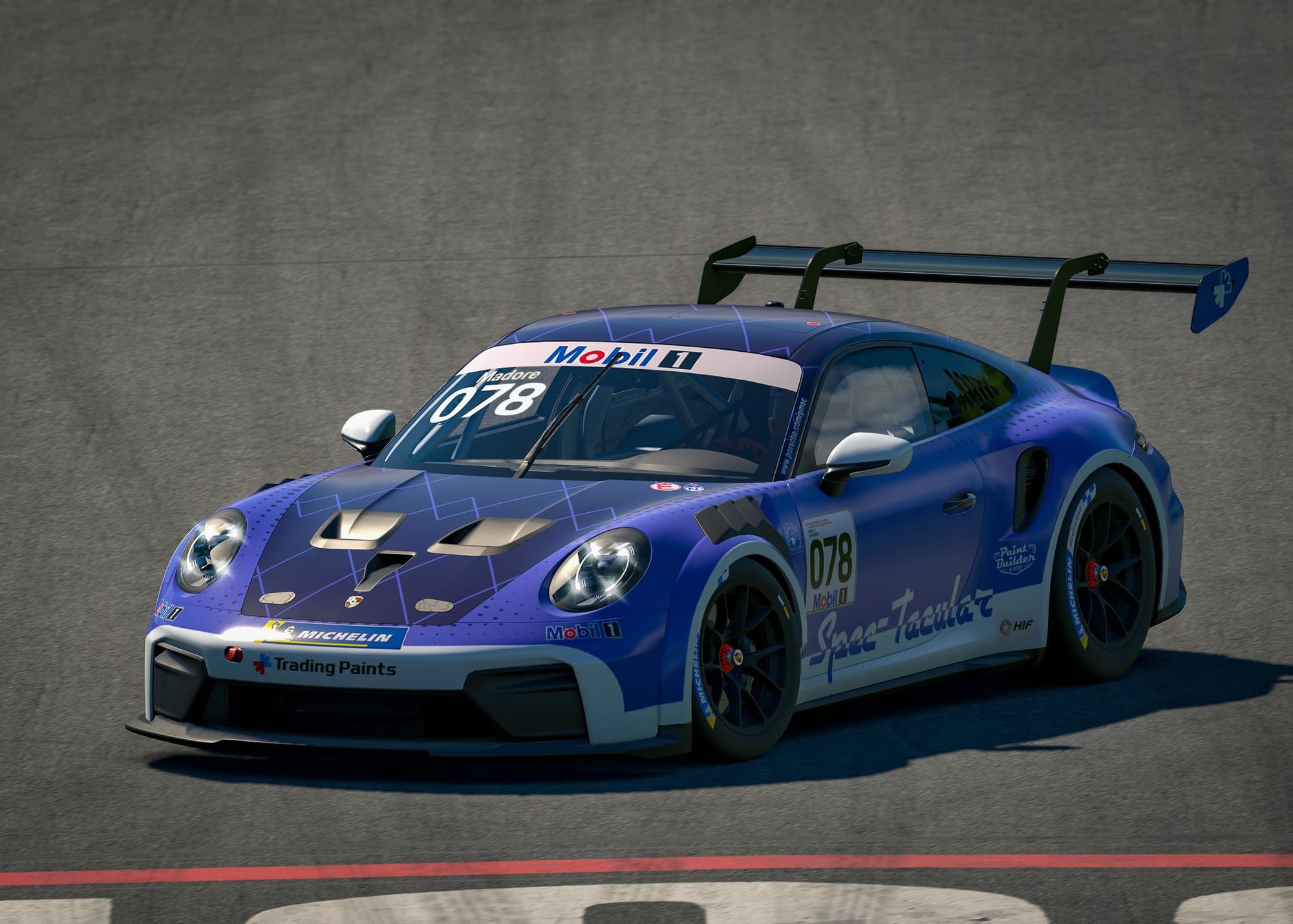
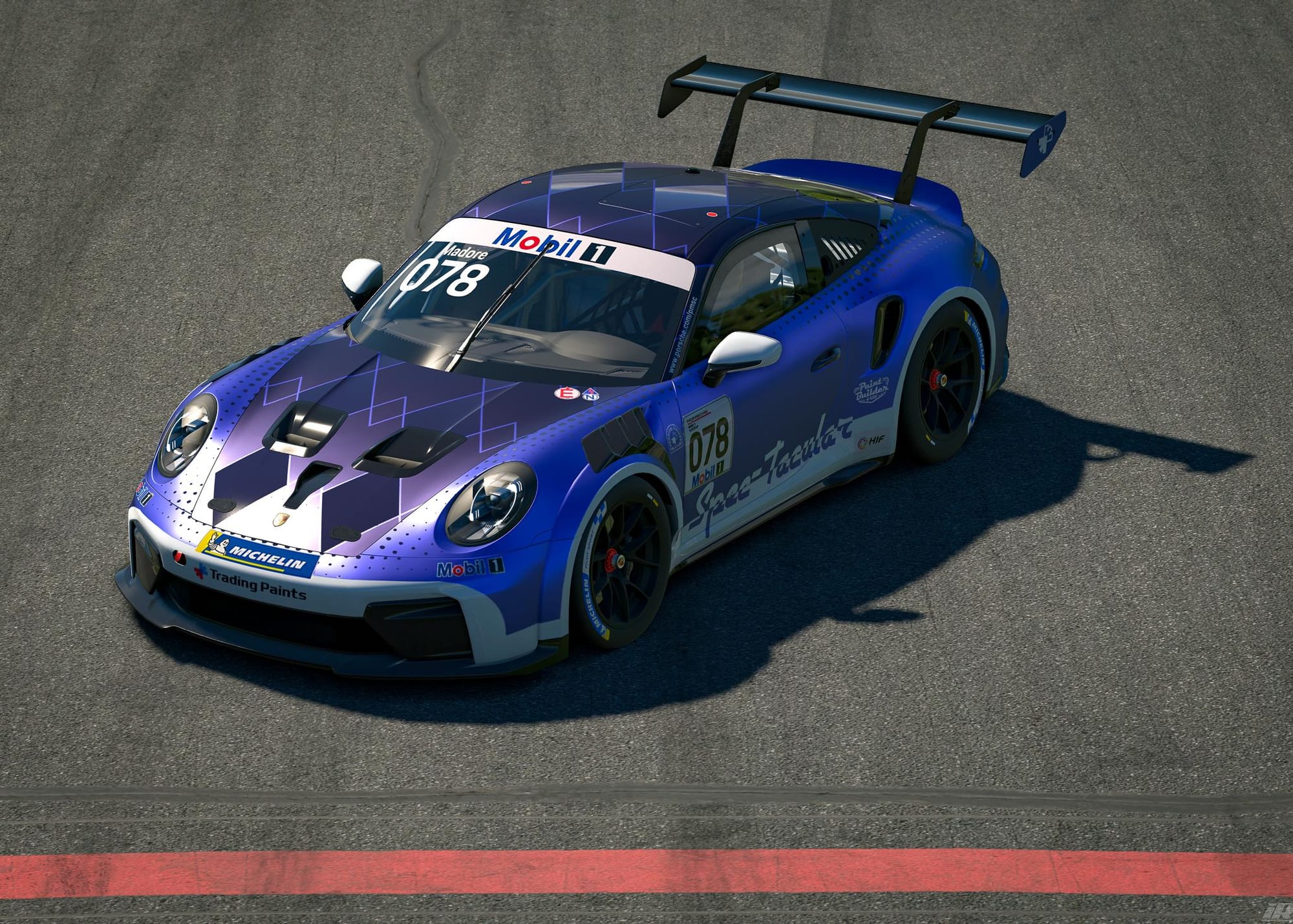
The Spec Tacular without (left) and with (right) March Metallic applied.
Happy painting, and stay shiny this March!
Follow Trading Paints on Instagram for more iRacing spec map starters like this!